

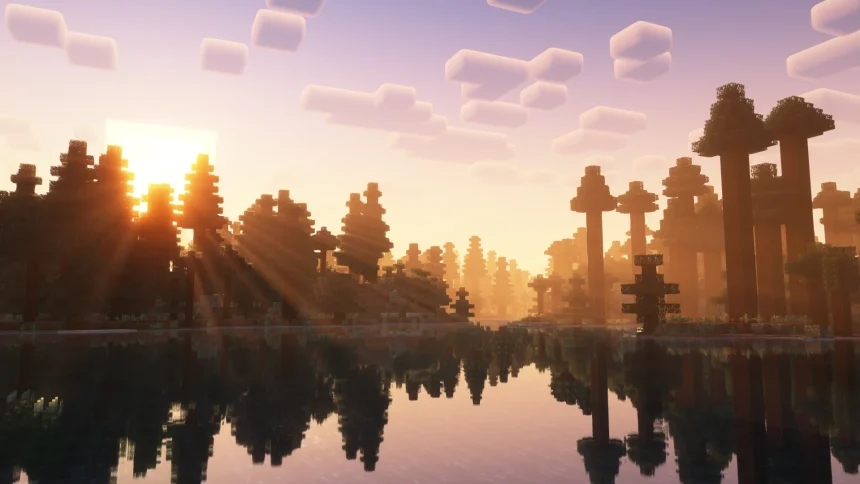
OptiFine is the mod most players reach for to boost FPS and enable shaders in Minecraft. With the game now on 1.21.10, the obvious question is the mod’s update: OptiFine 1.21.9 is built for Minecraft 1.21.9 and won’t load on 1.21.10. On Discord, the developers say they’re wrapping up 1.21.9 (about 90% — fixing bugs). Because 1.21.10 is a bug‑fix patch, an OptiFine update usually follows once checks are done. Until that lands, keep 1.21.9 paired with 1.21.9.
How to install (when the new one drops, or for the current build)
- Grab the official .jar that matches your game’s exact number. If you’re on 1.21.9, download 1.21.9; when OptiFine 1.21.10 is out, swap to that one.
- Make sure Java 17+ is installed. If the .jar won’t open, it’s almost always Java.
- Run the OptiFine .jar → Install. That creates an OptiFine profile in the launcher.
- Open Minecraft, pick the OptiFine profile for that version, hit Play.
- Want shaders? Options → Video Settings → Shaders and point to your pack.
Little notes that save headaches:
- OptiFine is standalone. On Fabric, most people use Iris + Sodium instead of trying to jam OptiFine in.
- Updating the game from 1.21.9 to 1.21.10? Don’t mix builds. Wait for OptiFine 1.21.10 and switch both together.
- If things crash, pull other mods first, empty the shaderpacks folder, test only with OptiFine, then add stuff back.
That’s it. When OptiFine 1.21.10 lands, I’ll plug the link here and note if the install flow changes at all.